The spreadsheet handoff
A statement PDF is useful for reading, but awkward when you need to sort transactions, reconcile an account, or import rows into accounting software. Copying line items by hand means checking amounts, dates, and descriptions one by one. ExtractMint is my attempt to make that handoff less tedious while keeping the review step visible.
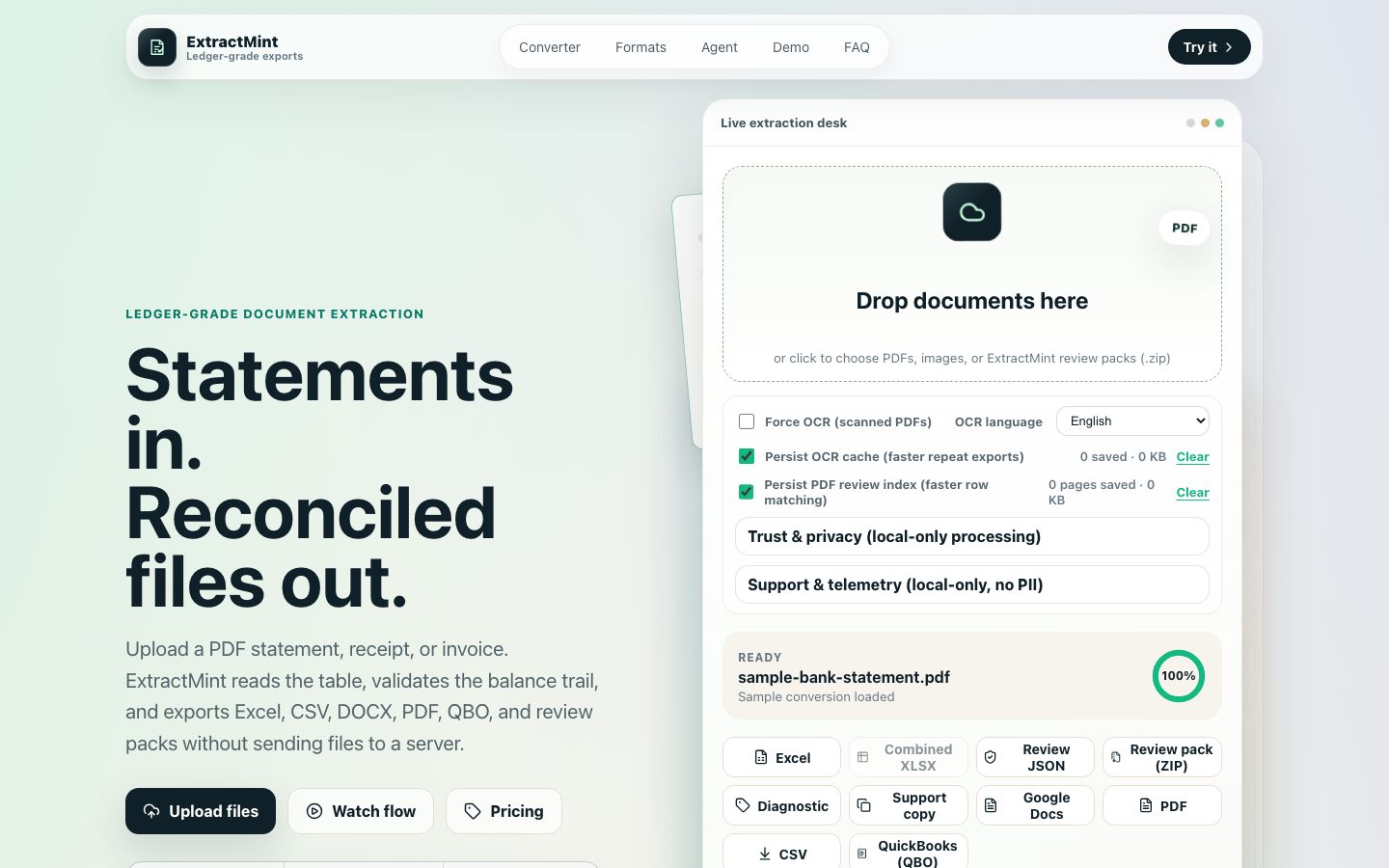
The current product converts statements in the browser, then presents the extracted rows for review and editing. You can correct a description or amount before exporting Excel, CSV, or QBO. That review matters: a file that opens cleanly can still contain a wrong transaction.
Dates and balances need judgment
Statement dates can be ambiguous, especially when the printed format does not spell out the year or uses a different day and month order. ExtractMint offers date interpretation so you can inspect how those values will land in the export. I would check the first and last transactions against the statement before importing anything.
Where a statement includes enough balance data, ExtractMint checks the running-balance trail and can flag a mismatch. A matching trail is a useful signal, not proof that every description, date, or transaction is correct. Missing balances and unusual statement layouts limit what that check can tell you.
What the beta can and cannot do
Browser-side processing keeps the conversion workflow in your browser. Scanned PDFs can go through OCR, but OCR can misread faint text, broken tables, or overlapping marks. Layout differences can also shift columns or join rows. I would not treat the output as ready for the books until I have compared it with the original statement.
The beta is available without sign-up. Try it with a statement you can verify, review the rows, and choose the export format that fits your next step.
Try ExtractMint beta Ian Goh Lab